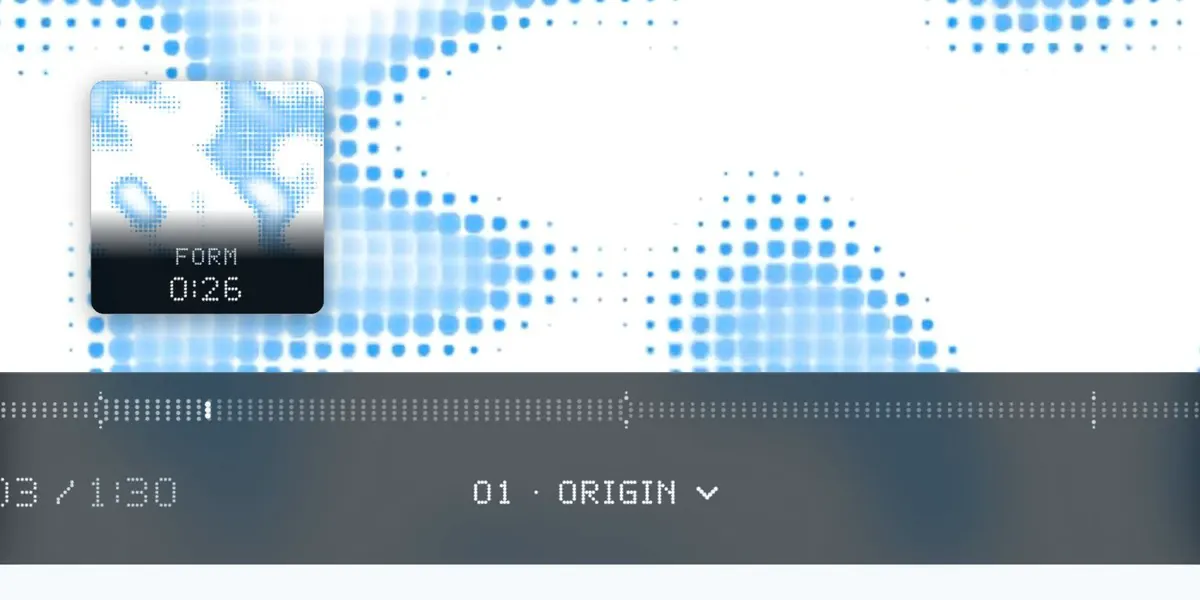
Find the exact moment.
Scrub through frame previews. Pull up the timeline for a closer look.
 Made for Video.js 10
A video player with a life of its own.
Every control, made of dots.

Your file stays on this device.
Play becomes pause. Menus gather, then scatter. The same dots carry their momentum from one state to the next.

A paused frame becomes a field of breathing dots, still carrying the colors of the scene.
Frame previews, chapters, captions. Familiar controls, with a material all their own.
Scrub through frame previews. Pull up the timeline for a closer look.
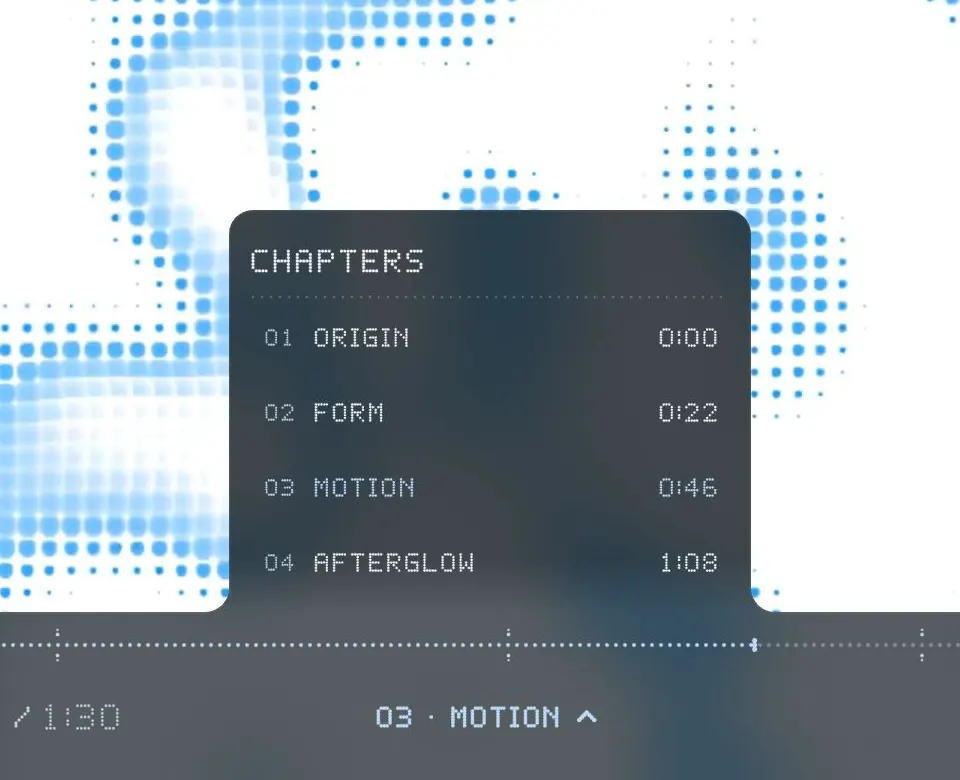
Jump between chapters as the menu takes shape around them.
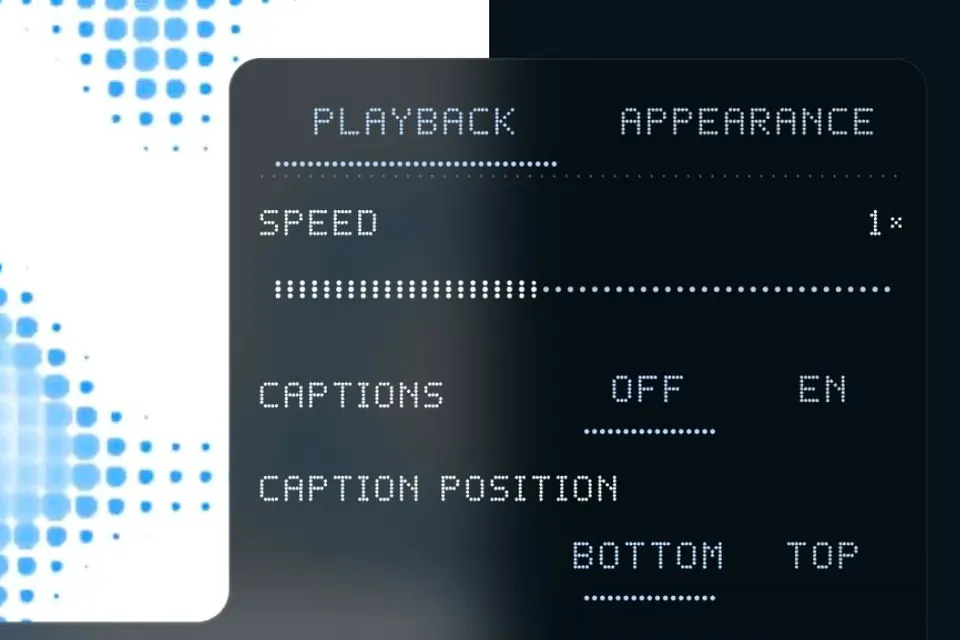
Turn captions on and move them wherever they read best.
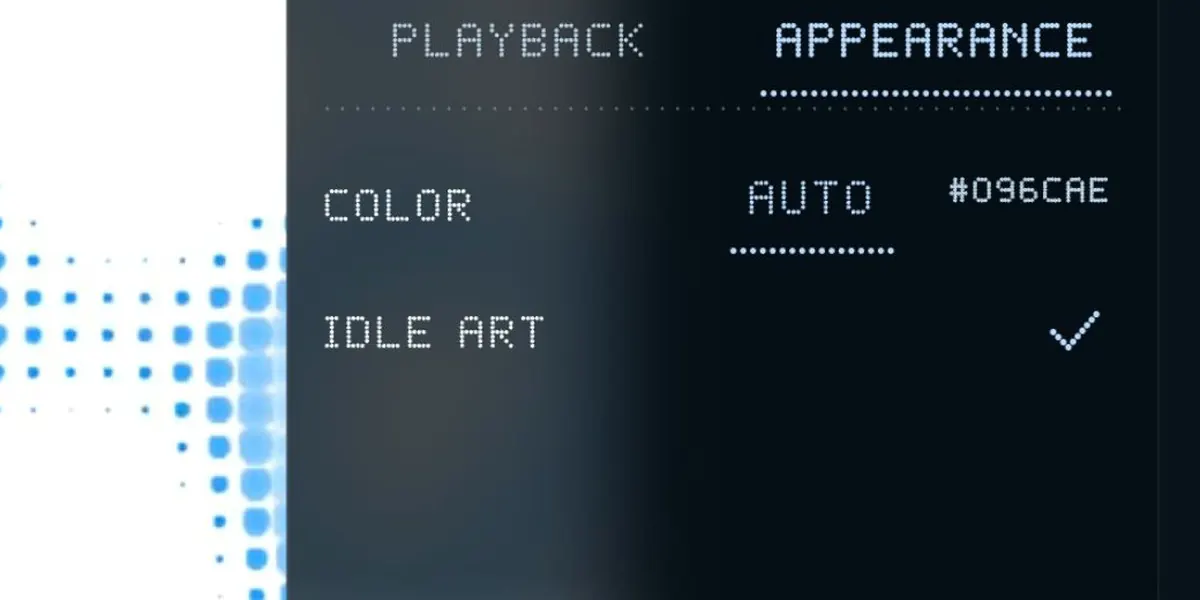
Let the accent follow the scene, or choose your own color.
Focus the player. Take it from there.
Menus Arrows move between items; Home / End jump to the first / last.
Captions Focus a caption, then move it with the arrows. Home resets its position.
Made for the Video.js Skins Challenge.